Generative AI
Your CRM and ERP are good. Here's the work they were never built to do.
 4minutes read
Your CRM and ERP do their job. The leak is the manual handoff between them, where a person reads, decides, and re-keys. A 2025 survey put that busywork at about $28,500 per employee a year, and AI on top of your existing systems is how you remove it without a new platform.




Your CRM holds the records and your ERP runs the back office, and both do that well. What neither was built for is the way your team moves work between them and the judgment that happens around them. A person reads, decides, and re-keys, and that handoff is the work the box never covered. It's also where the hours quietly leave.
We don't touch the systems of record. We remove the manual layer sitting on top of them.
What are a CRM and ERP actually good at?
A CRM is a strong system of record for customers, deals, and history. An ERP is a strong system of record for orders, inventory, and finance. They store structured data, hold a workflow in place, and give everyone one place to look. For that, they're worth their cost, and replacing them is rarely the real fix.
The error is asking them to do the work that happens between and around the records. That was never their assignment.
What do they leave to people?
Records don't move themselves. An accounts-payable clerk opens a supplier invoice from email, reads it, and types it into the ERP, then again into the CRM so the account stays current. Someone copies an approved order into a shipping tool. Someone checks a CRM field against an invoice before a renewal goes out.
The numbers on this are steep. A 2025 Parseur survey of 500 US professionals found manual data entry costs companies about $28,500 per employee per year, with people spending nine-plus hours a week moving data from emails, PDFs, and spreadsheets into systems. The ones doing the most of it sit in IT and finance, the most expensive seats in the building.
Why doesn't "just configure it" fix it?
The standard advice is to configure harder: more fields, more rules, more integrations. It works until the task needs a decision. A rule can move a record when a field flips. It can't read an unstructured email, judge what it means, and draft the right reply. It can't look at two systems that disagree and decide which one is right.
That's the ceiling. Configuration handles triggers. The expensive work needs interpretation, so it stays in human hands.
How does AI close the gap on top?
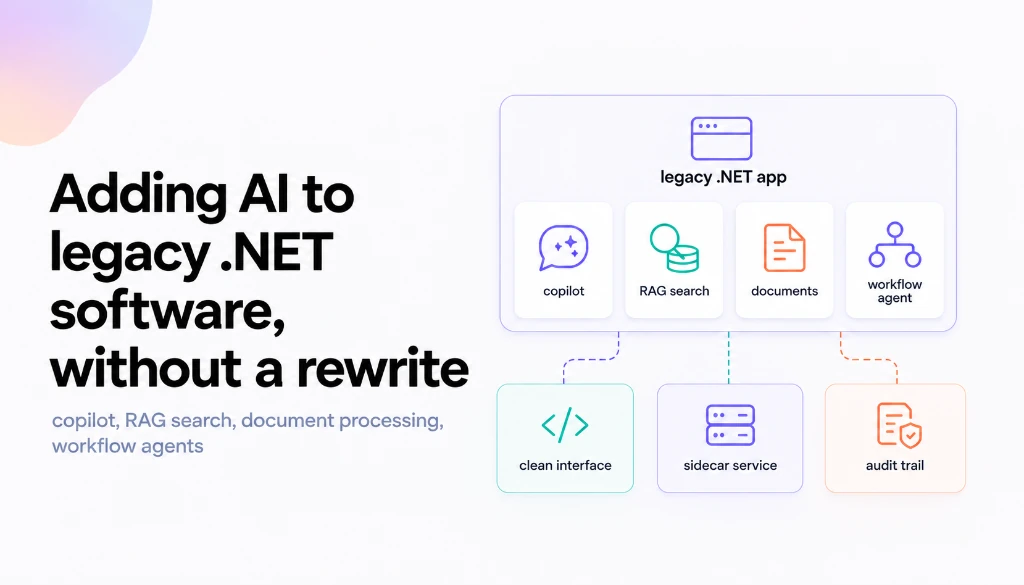
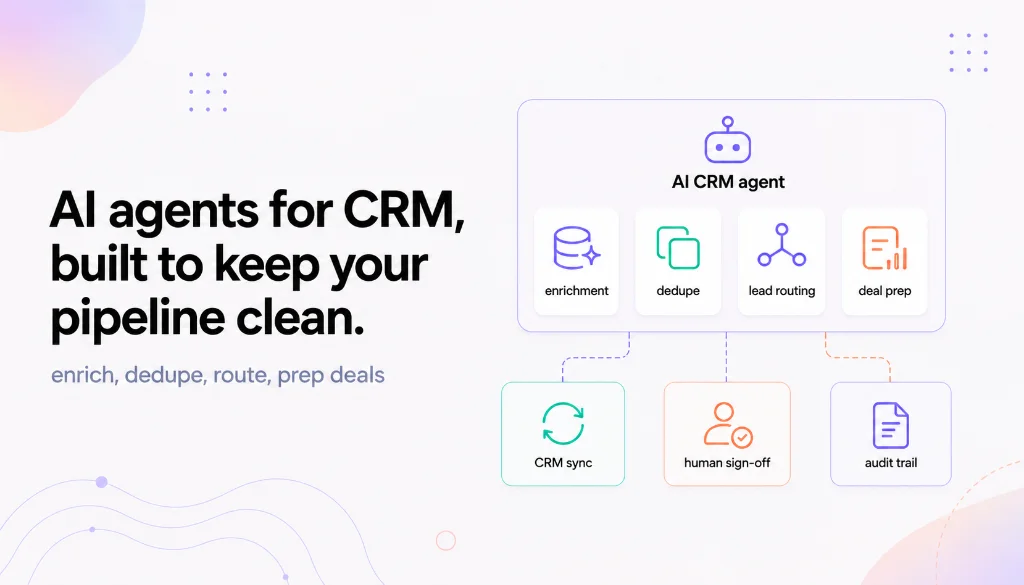
A thin AI layer runs on top of the CRM and ERP you already have. It reads what arrives, decides what it is, updates the right records, drafts the routine paperwork, and routes the genuine exceptions to a person. The systems of record don't change. The busywork around them does.
This shows up in onboarding too, where new accounts or new hires usually mean a stack of forms and re-entry. On one healthcare build, an AI copilot layered onto the client's existing systems cut onboarding time by 40%, without a new platform to learn. Because it sits on top, there's no migration. The CRM is still the CRM. Your team simply stops being the courier between it and everything else.
What's the first step?
We start with AI Discovery , a short one-to-two-week look that maps the handoffs, prices the hours they cost, and picks the one worth automating first. The fee rolls into the build, so the diagnosis doesn't cost you twice. Want the rough number for your own team before that? The one-week audit in how much manual work actually costs is a good start, and if the figure is real, book a call .
Keep reading
Start here
Bring us the agent that keeps braking
Tell us which workflow eats time, creates errors, or keeps landing back in a human review queue. We map the data, tools, risks, and escalation path before recommending anything.
Tell us the workflow that eats your time. We'll map it, show you a range, and say if automation is even worth it.