


Usually yes. Most AI features plug in behind a service interface or as a sidecar, alongside the existing code. The legacy app keeps running; the AI runs beside it. We only recommend a rewrite when the app genuinely can't be extended safely.
Generative AI
Adding AI to legacy .NET software, without a rewrite.
 4minutes read
Most legacy .NET applications don't need a rewrite to get AI - they need the right integration points. You add the AI features that matter - a copilot, RAG search over your own data, document processing, a workflow agent - alongside the existing codebase, behind clean interfaces, with tests, so the old system keeps running while the new capability ships. We do this on .NET, including older .NET Framework, with a human in the loop and a full audit trail.

Most legacy .NET applications don't need a rewrite to get AI - they need the right integration points. You add the AI features that matter - a copilot, RAG search over your own data, document processing, a workflow agent - alongside the existing codebase, behind clean interfaces, with tests, so the old system keeps running while the new capability ships. We do this on .NET, including older .NET Framework, with a human in the loop and a full audit trail.
We rebuild and extend .NET systems often, and this is usually where the conversation starts: the app works, the business has moved on, and a full rewrite is too risky to justify.
You probably don't need a rewrite
A rewrite feels like the clean answer and almost never is. It stops feature work for months, reintroduces bugs the old system already solved, and bets the business on a big-bang cutover. For most teams, the AI capability they actually want - answer questions from internal data, draft a document, triage a ticket, automate an approval - plugs into the existing app without touching its core.
The rule we use: change the smallest surface that delivers the feature. The legacy code keeps running; the AI runs beside it.
Where AI plugs into a .NET monolith
- Behind an interface. New AI logic sits behind a service interface the rest of the app calls. The monolith doesn't know or care that an LLM is involved - it calls a method and gets a result.
- As a sidecar service. For heavier work (RAG, document processing), a separate .NET service handles the AI and talks to the main app over an API, so you can scale and deploy it independently.
- At the edges. Intake, search, and reporting are where AI adds the most with the least risk - they read and assist, they don't rewrite the core transaction logic.
What we add most often
- A copilot inside the existing UI - answers questions, drafts text, explains a record - grounded in your data.
- RAG search over your documents and database, with citations, so staff stop hunting through screens.
- Document processing - invoices, forms, contracts read into structured data, with confidence scores and a person on the low-certainty items.
- A workflow agent that handles one repetitive process end to end and escalates when it should.
How we do it
We map one workflow first and find the smallest integration point. We build on .NET - including legacy .NET Framework where that's what you run - behind interfaces, with tests and guardrails, and connect it to the systems you already have. We ship to production with logging and a full audit trail, then measure it against real volume. The old app keeps serving traffic the whole time. This is the strangler approach: add the new capability around the edges, prove it, expand - never a big-bang cutover.
When a rewrite actually is the answer
Sometimes it is. If the app can't be deployed safely, has no tests and no one who understands it, or is on a runtime that blocks the integration entirely, bolting AI on just adds risk. We'll say so. More often we find a seam, ship the AI feature, and buy the team room to modernize the rest on its own schedule.
The legacy app isn't the blocker
Old .NET code is rarely the reason AI stalls - the missing integration points and the fear of a rewrite are. Add the capability where it fits, keep the system running, and let the results decide what to modernize next.
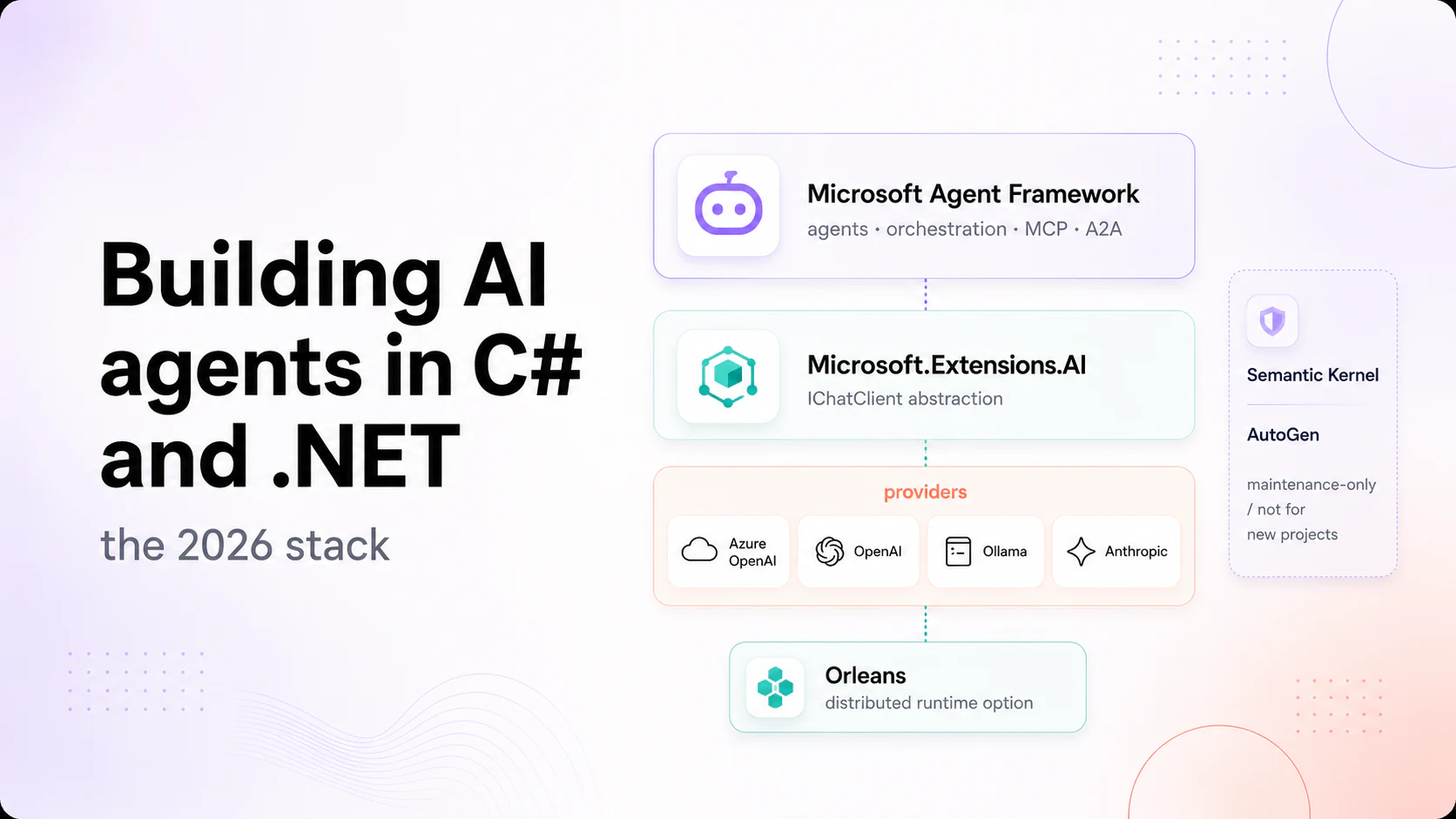
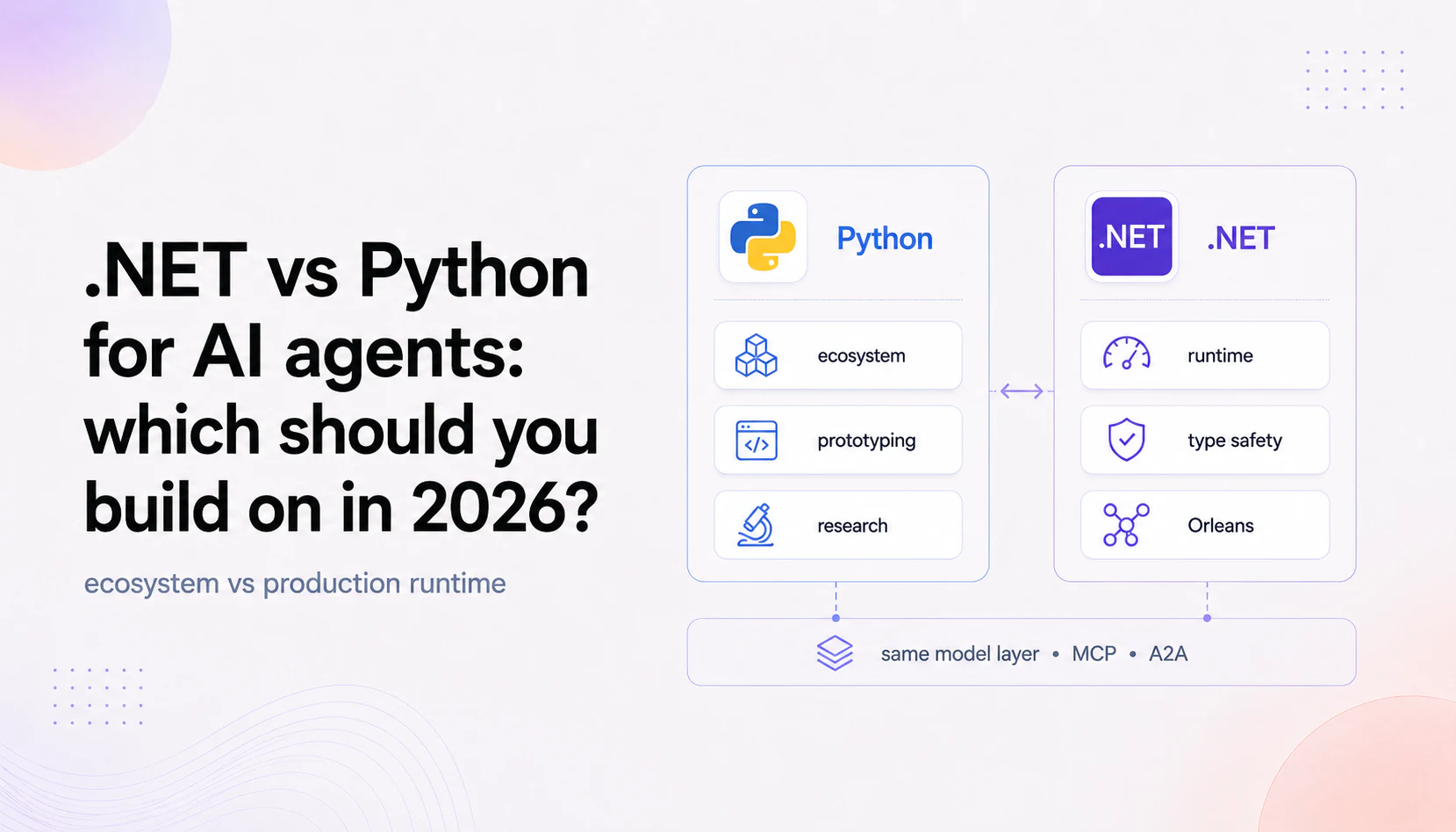
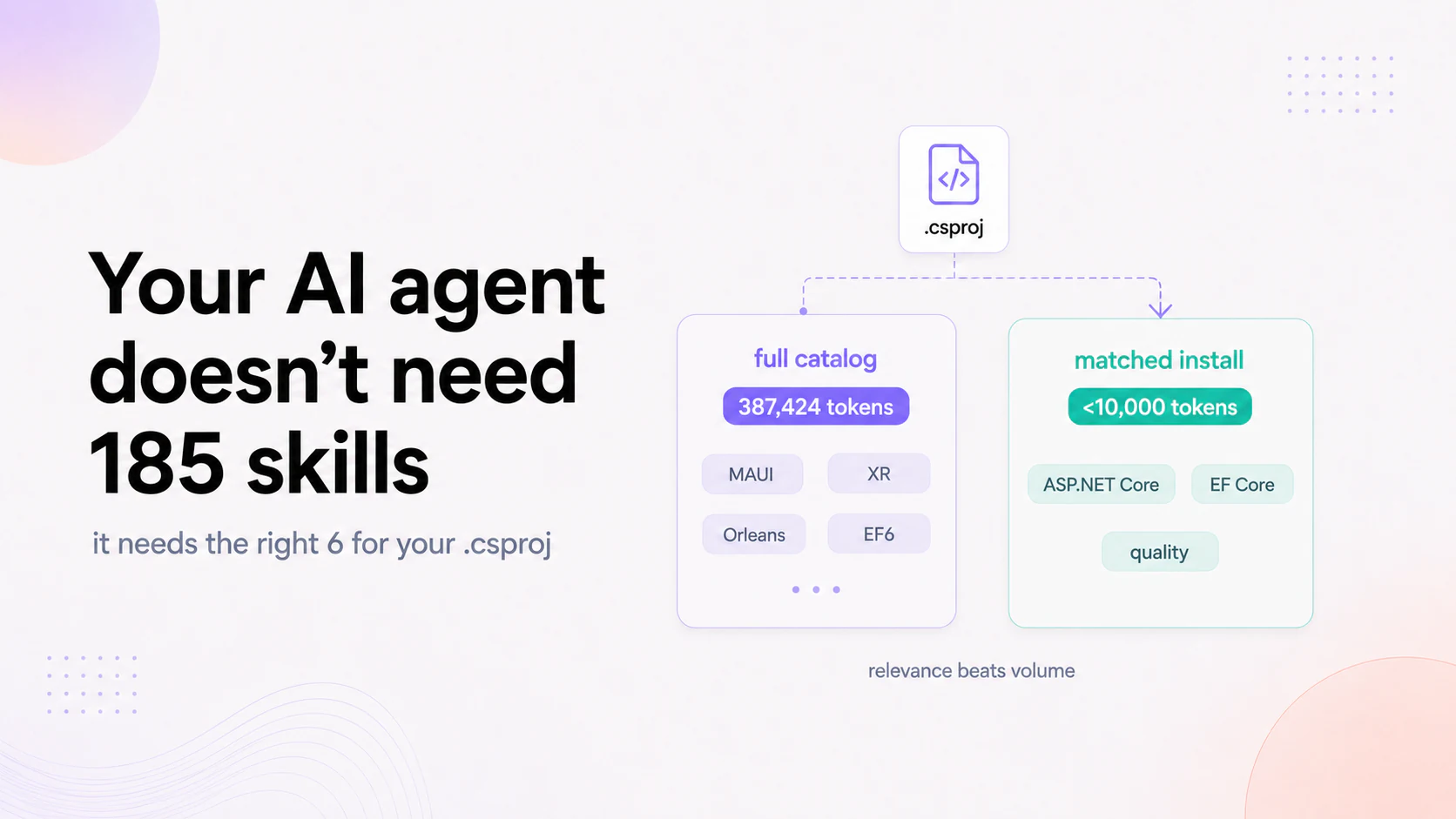
If you have a .NET app and an AI feature in mind, that's exactly where we start. Our .NET AI agent development team delivers end-to-end solutions. Learn how the architecture fits together in our guide on building AI agents with C# and .NET, explore .NET vs Python for AI agents to compare runtimes, or optimize your token budget with AI agent skills for C# and .NET.
FAQ
Can you add AI to a legacy .NET app without rewriting it? Usually yes. Most AI features plug in behind a service interface or as a sidecar, alongside the existing code. The legacy app keeps running; the AI runs beside it. We only recommend a rewrite when the app genuinely can't be extended safely.
What AI features fit a legacy .NET application? Copilots, RAG search over your own data, document processing, and single-workflow agents. They read and assist at the edges - intake, search, reporting - which adds value with the least risk to core transaction logic.
Do you work with old .NET Framework, not just modern .NET? Yes. We build on whatever you run, including .NET Framework 4.x, and connect modern AI to it. You don't have to migrate the whole app first to get AI.
Will adding AI slow the existing application down? No, when it's built right. Heavier AI work runs as a separate service the main app calls, so it scales and deploys independently and doesn't block the existing transactions.
Do you build production AI on .NET, not prototypes? Yes - on .NET with tests, guardrails, a human in the loop, and a full audit trail. See our .NET AI agent development team.
FAQ
Questions you might be asking
Quick answers to what comes up on every first call — about AI, speed, scope, and how we work.
Copilots, RAG search over your own data, document processing, and single-workflow agents. They read and assist at the edges - intake, search, reporting - which adds value with the least risk to core transaction logic.
Yes. We build on whatever you run, including .NET Framework 4.x, and connect modern AI to it. You don't have to migrate the whole app first to get AI.
No, when it's built right. Heavier AI work runs as a separate service the main app calls, so it scales and deploys independently and doesn't block the existing transactions.
Yes - on .NET with tests, guardrails, a human in the loop, and a full audit trail. See our .NET AI agent development team.
Keep reading
Start here
Bring us the agent that keeps braking
Tell us which workflow eats time, creates errors, or keeps landing back in a human review queue. We map the data, tools, risks, and escalation path before recommending anything.
Tell us the workflow that eats your time. We'll map it, show you a range, and say if automation is even worth it.
Thank you. Your request has been received.
Something went wrong. Please try again.