Generative AI
How to add an AI agent to your website that helps instead of annoying people
 4minutes read
How to add an AI agent to your website that qualifies visitors and hands off to a human, not a chatbot that annoys them. The steps, what breaks, and a live example.




Adding an AI agent to your website is easy. Adding one that helps rather than annoys is the hard part. Done well, an agent in the corner of your site qualifies the visitor, answers real questions from your real information, and hands off to a human at the right moment. Done badly, it's a chatbot that confidently gets your business wrong and gets muted. We recently put one on our own site — an agent called Emcee, built on Prostir — so here's how to do it well: what a website AI agent should actually do, what breaks, and how to ship it without building a chat stack from scratch.
The widget is the easy part. What the agent knows, what it admits, and when it steps aside is the difference.
What a good website AI agent actually does
A support FAQ in a chat bubble is not an agent. A useful website agent does four things: it scopes what the visitor actually needs, answers from your approved content instead of guessing, is honest that it's an AI and gives ranges instead of fake certainty, and hands the real conversation to a person — capturing the lead on the way. If it can't do those, it's decoration.
How to add an AI agent to your website, step by step
- Decide the one job. Support, lead qualification, or booking — pick one. An agent that tries to do everything does nothing well.
- Ground it in your real content. Connect your services, docs, pricing logic, and FAQs, so it answers from truth, not from whatever the model absorbed in training.
- Set the limits and the handoff. Define what it can say, what it must escalate, and to whom. Telling the visitor "you're talking to an AI" builds trust, not doubt.
- Embed it. A few lines of script drop it into the corner of your site. You don't need a bespoke chat stack.
- Watch and tune. Read real conversations every week and fix what it gets wrong. An agent nobody reviews drifts.
Steps one and three are where most website agents live or die: a clear job, and an honest handoff.
What breaks on a website agent
- Pretending to be human. It backfires the moment someone realises. Say it's an AI up front — people trust that more, not less.
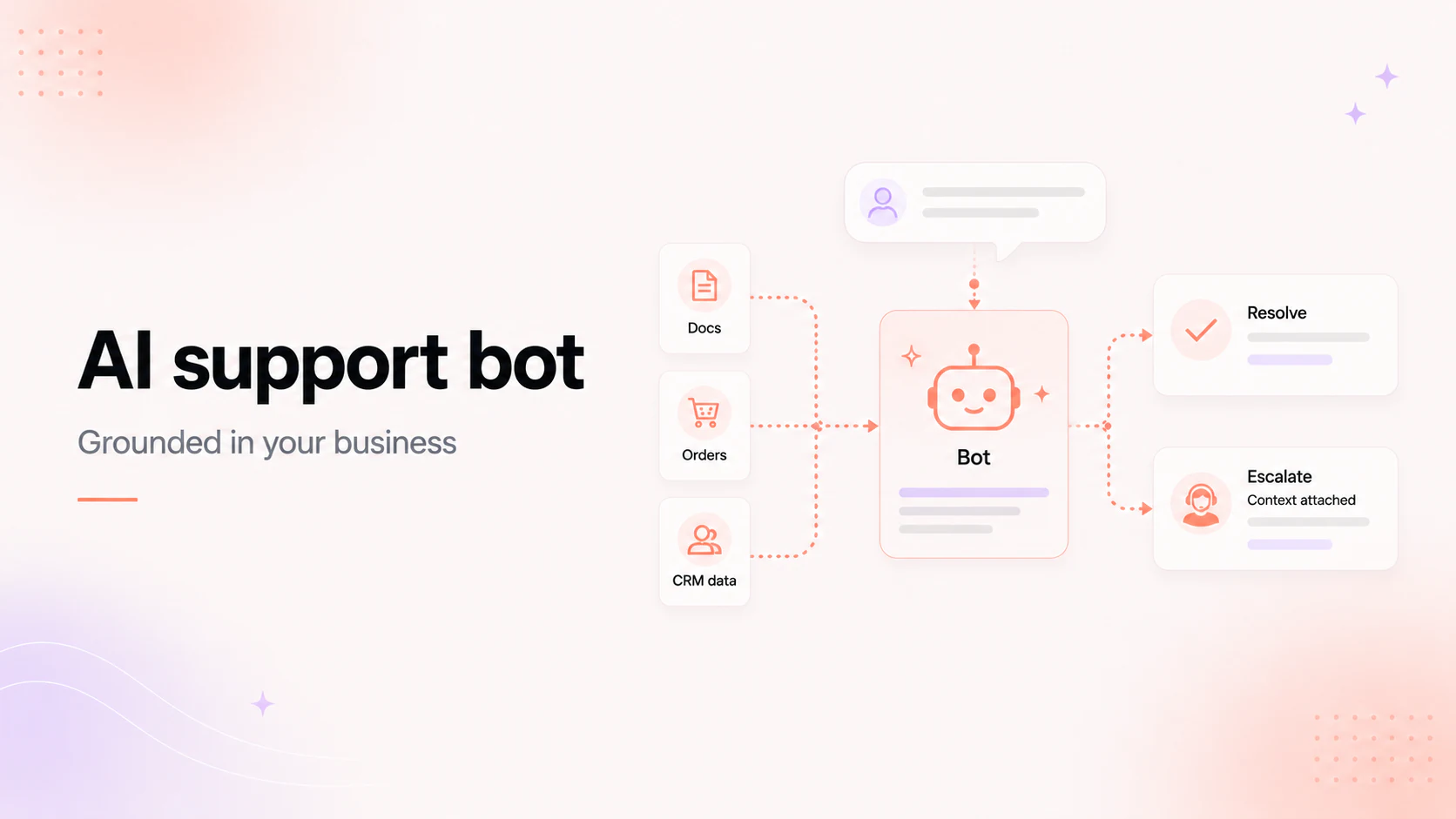
- Answering from training data. An agent that isn't grounded in your content will be confidently wrong about your own business. Ground it, or don't ship it. You can see how a support bot that knows your business prevents hallucinated answers.
- No handoff. An agent that can't pass a real conversation to a person traps the visitor exactly when they were ready to talk.
- Trying to do everything. The more you ask it to cover, the more mediocre it gets. Narrow beats broad.
How we did it: Emcee, built on Prostir
We put an agent called Emcee in the corner of managed-code.com. It scopes the visitor's workflow, gives a rough range, says plainly when an agent isn't worth building, and hands off to a person — and it tells you it's an AI, not a human. Ask it to build a scheduling agent and it asks which calendar and whether it needs to write to it before it says anything about scope. It qualifies before it quotes.
We built Emcee on Prostir, our no-code platform for AI apps, and embedded it with a few lines of script — no chat stack from scratch. The discipline behind it (a clear job, grounded answers, honesty, a human handoff) is the same discipline we put into the agents we build for clients.
Build it yourself, or have us build it
If you want a no-code agent you can build and embed on your own site, that's Prostir. If it has to run in production against your systems, rules, and escalation paths, that's our AI agent development — and you can see how Managed Code builds AI agents. Either way, try Emcee in the corner of this page, or book a 15-minute call with our team.
Keep reading
Start here
Bring us the agent that keeps braking
Tell us which workflow eats time, creates errors, or keeps landing back in a human review queue. We map the data, tools, risks, and escalation path before recommending anything.
Tell us the workflow that eats your time. We'll map it, show you a range, and say if automation is even worth it.